Practical karaoke · Connection guide
TONOR K20 Wireless Karaoke Machine: Check the Recording Input
This is a source-based guide and an original recording-result worksheet, not a hardware test.
Playback and recording are separate checks
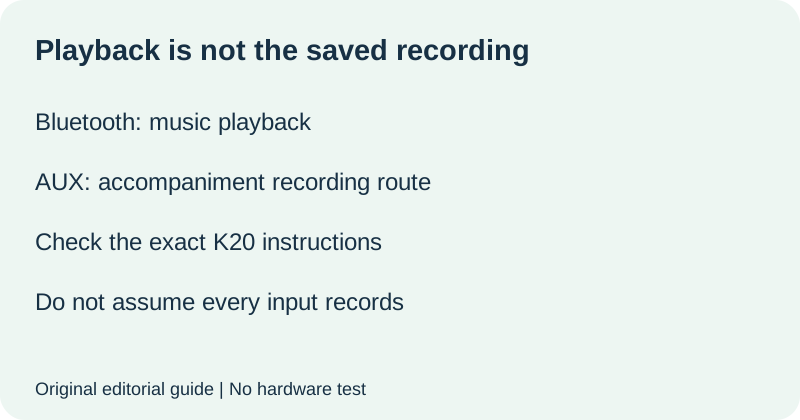
The official TONOR K20 troubleshooting page describes Bluetooth music playback separately from Recording Mode. For recording, it specifies a USB drive or TF card, recommends FAT32, and directs users to AUX for accompaniment because Bluetooth input is unsupported. It identifies REC for recording, RE.PLAY for playback, and a RECORD folder for saved recordings. Confirm the instructions match your K20 before following them. These statements are not a promise that every storage device or every other TONOR model will work.
Write down the intended result first
Before a short check, state what you expect to hear when you play the recording back. Separate voice, backing music, both, and uncertain. Write the actual music connection and selected mode beside that expectation. Do not label a Bluetooth playback check an AUX accompaniment-recording check. Keep the storage medium and the source instructions in the same record so a later change does not erase the context.
| Before recording | Your actual setup |
|---|---|
| Exact machine model | ______ |
| Expected recording content | Voice, accompaniment, both, or other: ______ |
| Music route and selected mode | ______ |
| USB drive or TF card | ______ |
| Relevant official instruction | ______ |
The support page recommends FAT32, but this guide does not tell you to erase or reformat a drive containing files. Keep existing data protected. If storage preparation is unclear, stop and obtain instructions appropriate to your device rather than treating an unknown format as confirmed.
Compare the saved result with the plan
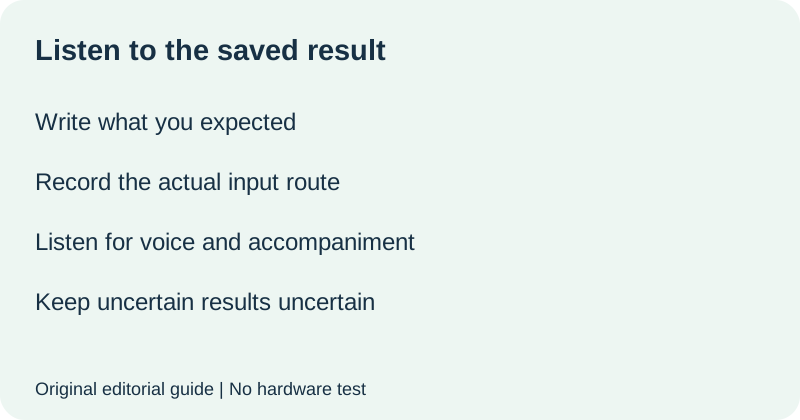
Use a short sample you are entitled to record and follow the model's recording and playback instructions. Then write what you actually hear in the saved playback. A successful live performance through the speaker is a different observation. If you have not listened to the recording, mark the result not checked. If you cannot distinguish the contents, mark uncertain rather than filling the field with the result you hoped for.
| After recording | Observation |
|---|---|
| Voice in saved playback | Heard, absent, uncertain, or not checked: ______ |
| Accompaniment in saved playback | Heard, absent, uncertain, or not checked: ______ |
| Difference from expected result | ______ |
| One supported step to check next | Instruction and result: ______ |
If accompaniment is missing, compare the recorded input route with the AUX requirement before describing the problem to support. Do not infer that every missing sound has the same cause. Record other unknowns and report them separately. If you change more than one setting, say so; the result cannot identify which change mattered.
Watch the recording check
Original editorial visuals and synthetic English narration. No hardware test.
Quick answers
Can Bluetooth music playback prove accompaniment will be recorded?
No. TONOR's K20 page says Bluetooth input is unsupported for accompaniment recording and directs users to AUX.
Where does the support page say recordings are saved?
It identifies the RECORD folder. It also says recordings can only be deleted on a computer. This guide does not instruct you to delete any files.
Does this establish recording quality or microphone compatibility?
No. We did not test the hardware. The worksheet documents your own observations and the official input requirement.
Official source checked 14 October 2026. Planning and result cards are original editorial materials. This guide does not replace model-specific instructions.