Practical karaoke · Connection guide
Karaoke Microphone Wireless Guide: Choose the Right Hardware Type
This guide sorts wireless buying options by their role. It is not a ranked product test or a claim that every wireless microphone uses Bluetooth.
Two documented examples of different hardware roles
Magnavox describes its MMA3650 portable karaoke microphone and speaker as a handheld wireless microphone with a built-in speaker, Bluetooth and an audio-out connection. That makes its own speaker an explicit part of the documented product. The page does not establish performance in your room, and we have not tested it.
The official FIFINE K036 page instead describes a dual wireless microphone system. FIFINE's home-theater guide explains the system's analog stereo input/output route and the connection requirements for AV receivers and soundbars. A microphone-system purchase is therefore not automatically a purchase of the complete amplified speaker setup. These examples illustrate different product roles, not universal specifications for either category.
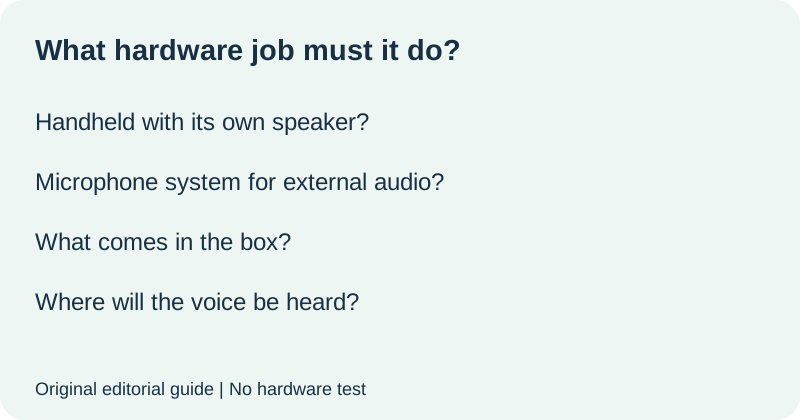
Write the missing job before selecting a product
Describe the result you need in one sentence. For example: I want one handheld unit that makes my voice audible by itself. Or: I want a wireless microphone system to use with speakers I already own. These are original planning examples, not claims that a particular product will satisfy them.
| Buying question | Your requirement |
|---|---|
| Must the handheld unit contain a speaker? | Required, optional or not needed: ______ |
| Where should the voice be heard? | Specific unit or external speaker system: ______ |
| What do you already own? | Exact models, not only brand names: ______ |
| What must arrive in the new box? | Handheld unit, receiver, power items or other: ______ |
| What remains unresolved? | Question for the seller: ______ |
Do not treat a photograph of two microphones as evidence that a receiver or speakers are included. Keep box contents separate from compatible optional equipment. Mark undocumented requirements unresolved. This helps avoid buying a device that performs a different role from the one you intended.
Separate the voice connection from the music connection
Ask the seller to identify which connection carries the microphone voice and which carries backing music. A Bluetooth feature in the listing may describe one function without explaining the complete singing setup. Record the manufacturer's answer for the exact model instead of assuming a shared connection label settles both questions.
Use this original request: I need [standalone voice from the handheld unit, or voice through my exact speaker model]. Does [product model] include the required speaker or receiver? What carries voice, what carries backing music, and which additional items are necessary? Please distinguish included items from optional compatible equipment.
Use a role-match gate before paying
Continue only when the product role, included components and final place where sound is heard are documented for your intended setup. Keep any unresolved connection or missing component visible in the total purchase decision. If you need a receiver-based setup, confirm that complete route separately; if you need a self-contained handheld unit, ask for a demonstration of that use without silently adding another speaker.
This gate does not rate sound quality or certify wireless performance. It establishes whether you are comparing the right kind of equipment. After choosing the role, use the exact manufacturer's instructions to check the rest of the setup.
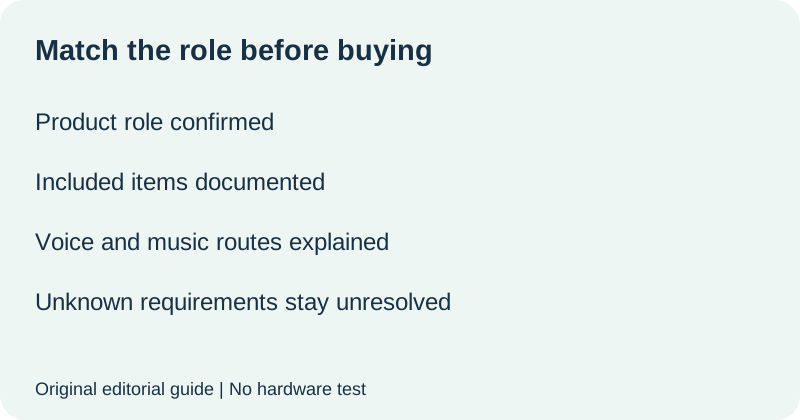
Watch the hardware-role check
Original editorial visuals and synthetic English narration. No hardware test.
Quick answers
Does wireless mean a speaker is built in?
No such universal promise follows from the word. Confirm whether the exact product includes its own speaker or feeds another audio system.
Does Bluetooth in a listing explain the whole voice connection?
Not by itself. Ask which function Bluetooth serves and how microphone voice reaches the intended speaker.
Is this a two-microphone compatibility guide?
No. This page chooses the hardware role. For the separate simultaneous two-microphone buying check, see our two-mic connection checklist.
Official product pages checked 21 October 2026; FIFINE home-theater documentation also informs the equipment distinction. Tables, seller request and role-match gate are original editorial materials. No hardware tested.